Smaller images, ready to share
Compress JPG, PNG, and WebP images in your browser. Compare file size and image quality before downloading. Image files stay on your device.
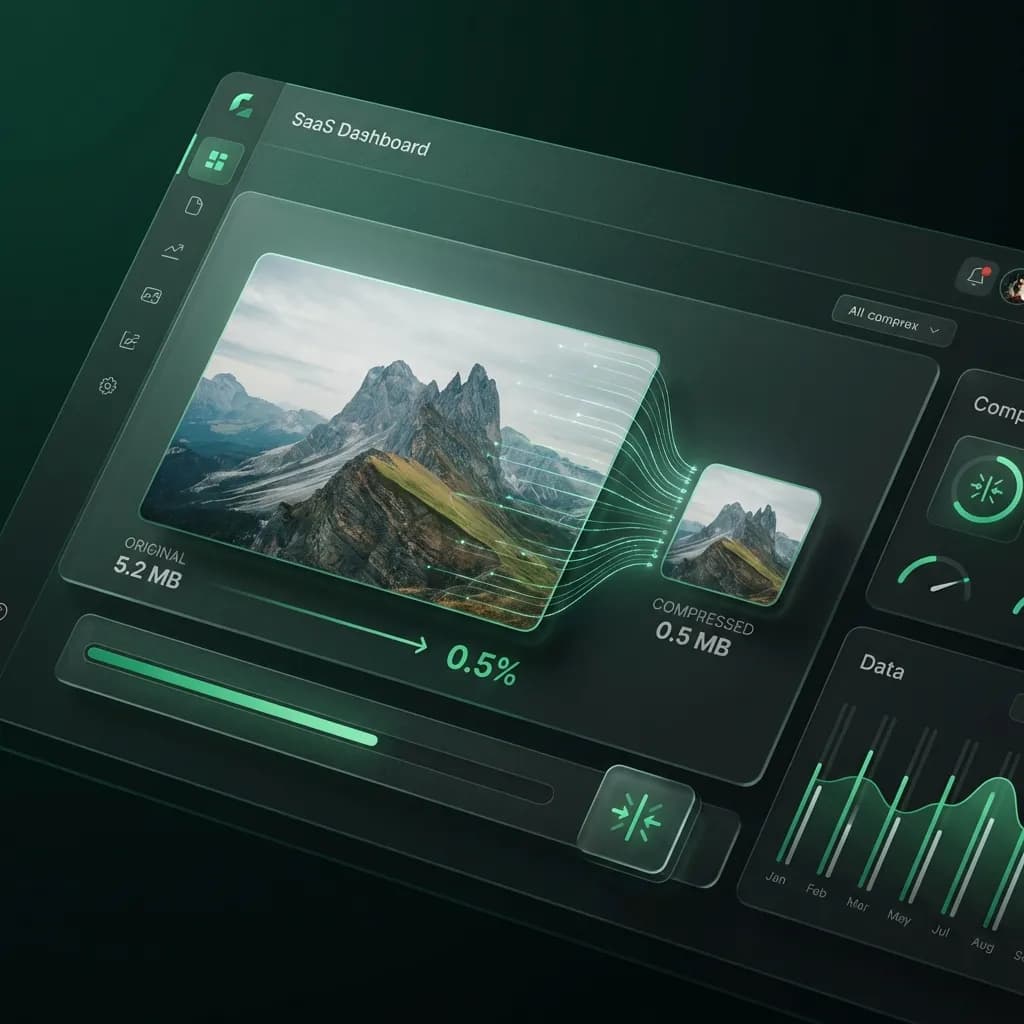
Compress images in your browser
Fast, private image compression. Files are processed locally-nothing is uploaded to any server.
Image Compressor
Drag & drop images here
JPG, PNG, WebP supported • Max 20 images
Max 20 • Local engine
How to compress images online
- 1
Upload your images
Select or drag and drop up to 20 images. We support JPG, PNG, and WebP formats.
- 2
Adjust quality settings
Choose JPG, PNG, or WebP output. Adjust quality for JPG and WebP; PNG does not use the quality slider.
- 3
Download compressed files
Download individually or get all files in a single ZIP archive.
Image Compressor Features
Images stay on your device
Compression runs in your browser. Image files are not uploaded for this operation.
Multiple Formats
Convert between JPG, PNG, and WebP while compressing for optimal results.
Quality Control
Adjust JPG or WebP quality and compare the output size. PNG output uses lossless encoding rather than the quality setting.
Ready to compress your images?
Compression runs in your browser. Image files are not uploaded for this operation.
Image Compressor FAQ
Common questions about compressing images.
Image Translation Tools
Explore more image translation tools