Translate Images to Czech
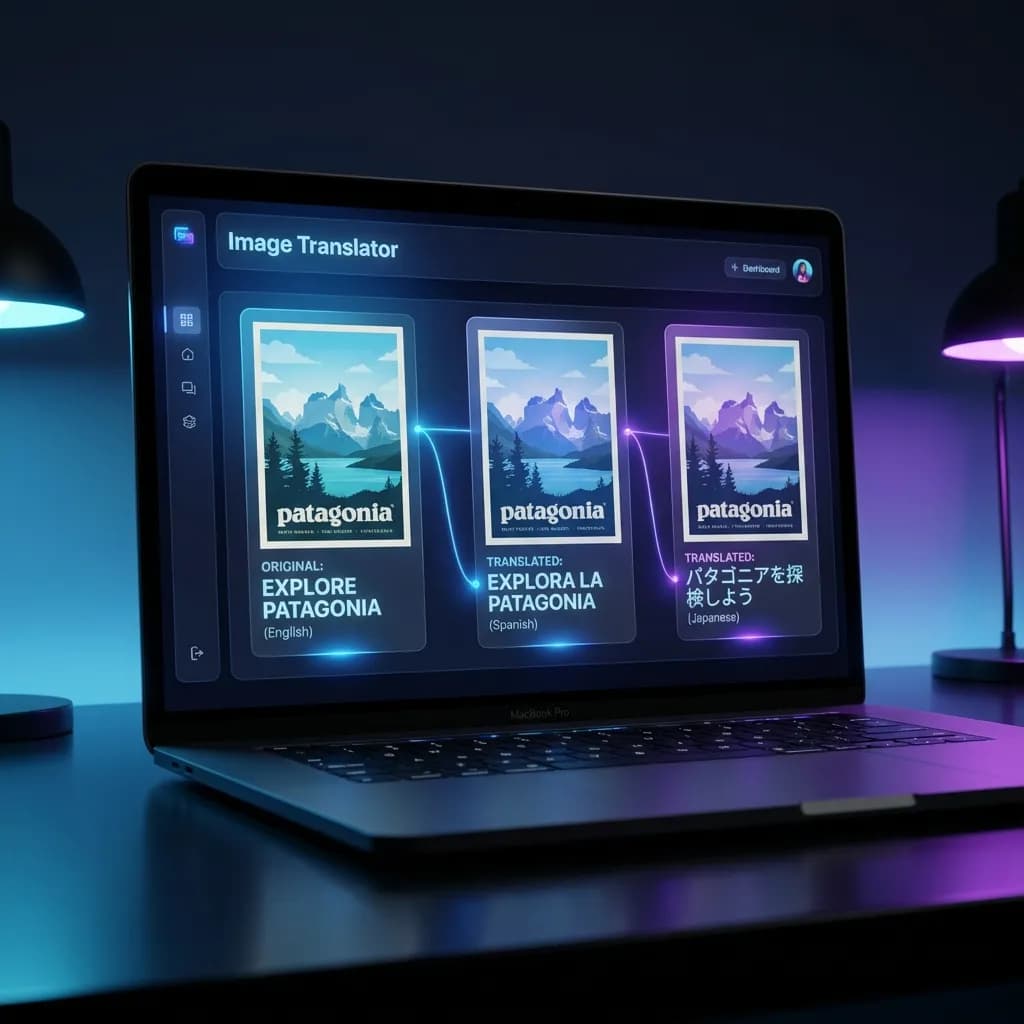
Translate images to Czech without losing your layout. AI image translation with pixel-perfect accuracy.
Localized Output
Translate images to Czech in seconds
Set Czech as your target language and let AI rebuild your design with native phrasing.
Drag & Drop your image here
Supported formats: JPG, PNG, WebP, Max size: 20MB
Or
Translate everything into Czech
TranslateImage keeps the fonts, colors, and spacing you already designed while retyping text in Czech.
Start TranslatingHow to translate images into Czech
Upload an image
Drop a file or paste a URL. Supported formats: JPG, PNG, WebP.
Choose Czech
Auto-detect the source language, then set Czech as the target.
Download
Review the preview and download your Czech version instantly.
Why translate images to Czech with TranslateImage
Instant results
Most files finish in seconds even with dense copy.
Pixel-perfect design
The AI inpaints translated text directly into your original layout.
130+ languages
Switch between other languages or translators with one click.
Secure
Uploads are encrypted, processed, and deleted automatically.
Czech localization features
Any asset
Menus, marketing visuals, product screenshots, manuals, and more.
Flexible output
Download and drop it into your presentation or website immediately.
Batch-friendly
Move projects into Batch Translator when you have dozens of pages.
Try translating images to Czech now
Upload your first file for free and see how fast localization can be.

Czech image translation FAQ
Common questions about translating images to Czech.
More Ways to Translate Images
Specialized tools for every type of image you need to translate.
Need other translation workflows?
Move between languages, translators, or batch jobs whenever you need to.